- Blog
- News & Updates
- How to sync AirHelp with ChatGPT and check your compensation quickly
How to sync AirHelp with ChatGPT and check your compensation quickly

.png)
Most people don't open a claims form the moment their flight goes wrong — they open ChatGPT. Connect the AirHelp plugin once, and from then on you can describe a delayed or cancelled flight in plain English and get an eligibility check back in seconds, on the same no-win, no-fee terms as any AirHelp claim.
Here's the setup, followed by a real flight worked through from first message to result.
What can the AirHelp app do inside ChatGPT?
AirHelp's ChatGPT plugin checks a flight disruption against UK 261, EC 261, Turkish (SHY), and Saudi passenger rights rules and works out how much compensation you might be entitled to. It understands eight languages — English, French, Spanish, Italian, German, Polish, Portuguese and Dutch — and replies in whichever one you use. There's no need for an AirHelp account just to check; that only comes into play if you go on to file. It only covers delays, cancellations and denied boarding, so it won't try to help with bookings, baggage, travel insurance, or live flight status.
UK 261 is essentially the old EU rules, carried over after Brexit. It covers flights leaving the UK, and flights arriving in the UK on a UK or EU airline, so most journeys out of a British airport are protected.
Adding AirHelp to ChatGPT
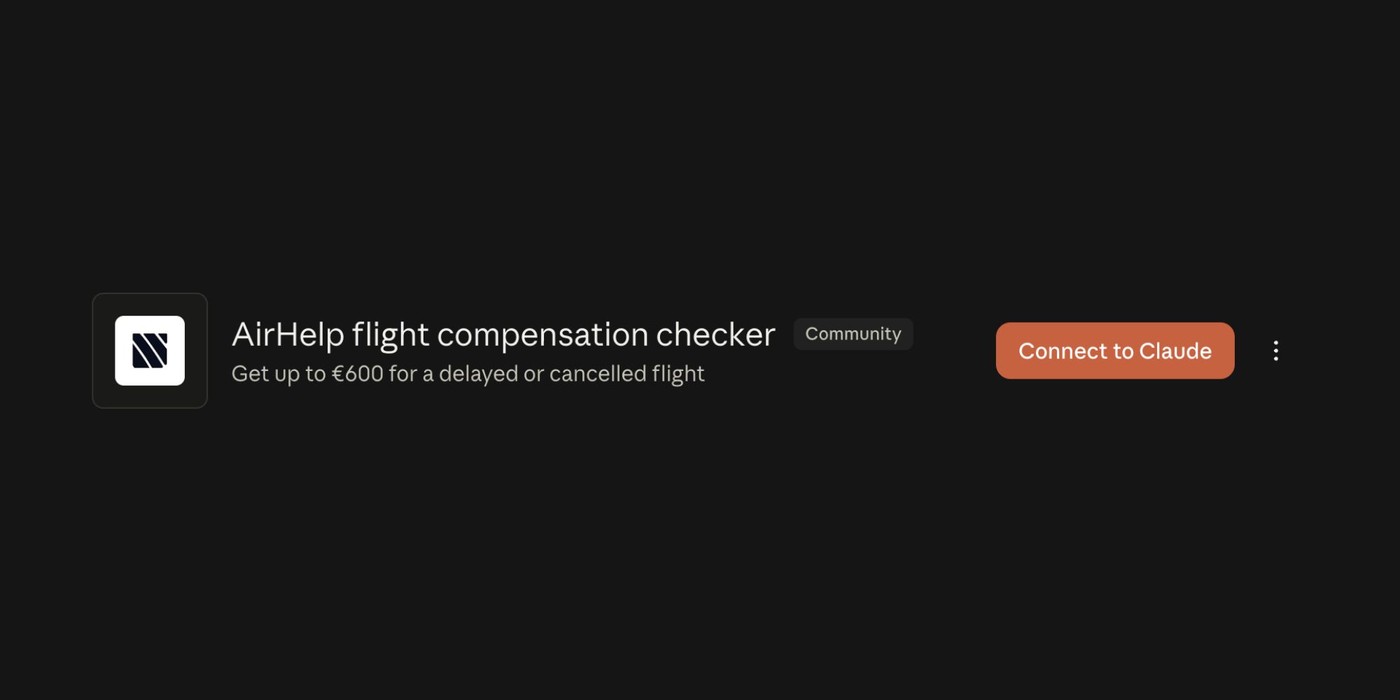
In ChatGPT, search for AirHelp in the plugin directory (Settings → Plugins), or tap the + icon in the message box.
Select the AirHelp listing and hit Connect.
From then on, start any message with @AirHelp to bring it into the chat.
There's no AirHelp account needed just to run a check.

AirHelp's plugin listing inside ChatGPT, showing two sample flight checks and their estimated payouts.
Checking your compensation, step by step
Here's a real example, start to finish. It's a Barcelona–Milan flight rather than a UK route, but every step below works exactly the same way for a UK261 claim on a flight from a British airport.

1. Type @AirHelp at the start of a message and it joins the conversation, ready to check your flight.

2. Confirm exactly which airports you flew between — AirHelp offers matches as you type.

3. Next, the scheduled departure date — with one-tap shortcuts for yesterday or today.

4. AirHelp narrows your route and date down to the specific flight — and picks up that this one was cancelled.

5. One more question for cancellations: how far in advance the airline told you. It changes the outcome.
That's because under UK 261 and EC 261 alike, a cancellation announced less than 14 days out usually triggers compensation, while more warning than that can mean nothing's owed. If your flight was one leg of a longer journey and the whole thing fell apart, the same process handles multi-leg trips too.
Once you're eligible, what happens next?
AirHelp shows your estimated payout and a button to finish the claim on its site. That opens a form on airhelp.co.uk with your flight details already filled in — you just add your own and submit. The claim itself is always completed on airhelp.co.uk, not inside ChatGPT, and the number you see in chat is an estimate until AirHelp assesses the claim properly.
If it turns out you're not eligible, AirHelp says why — usually a delay under three hours, or something outside the airline's control. And if you were bumped off a flight rather than delayed, that's covered separately: here's what UK261 pays out for bumped passengers.

The eligible outcome: an estimated payout, the rule it falls under, and a button to start the claim.
Why download the AirHelp app as well?
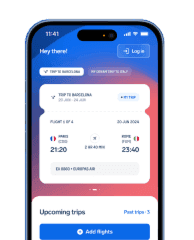
A ChatGPT check is quick when something's already gone wrong. The AirHelp app is there before that point — tracking your flights, flagging gate changes and delays as they happen, and syncing with your calendar or inbox so it already has your itinerary.
Get ahead of disruptions before they happen
Often the app will flag that you're owed compensation before you've even left the airport. If you're travelling this summer, our round-up of the best flight tracker apps for UK travellers covers what else is worth having on your phone.

.jpg%3Ftr%3Df-auto&w=3840&q=75)